ID Scans - Redacting Fields
Learn how to redact fields from FaceTec's ID Scans. This functionality is supported in the /idscan-only API and /match-3d-2d-idscan API.
Important Note: These changes apply to the local Java methods in the FaceTec Server. No changes have been made to the API endpoints.
Supported Methods
This functionality is supported in the following two local Java methods:
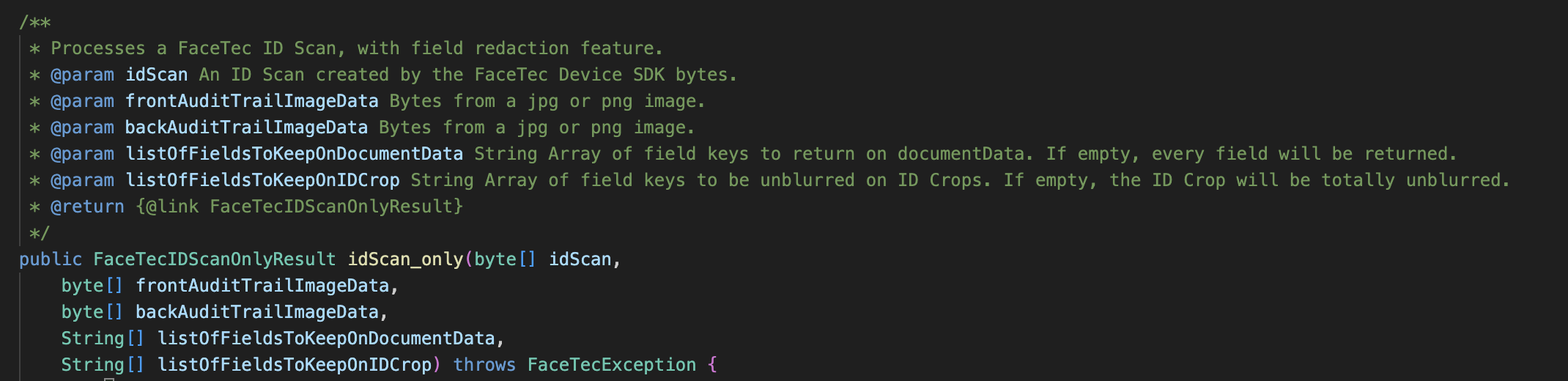
- idScan_only(idScan, frontAuditTrailImageData, backAuditTrailImageData, listOfFieldsToKeepOnDocumentData, listOfFieldsToKeepOnIDCrop)
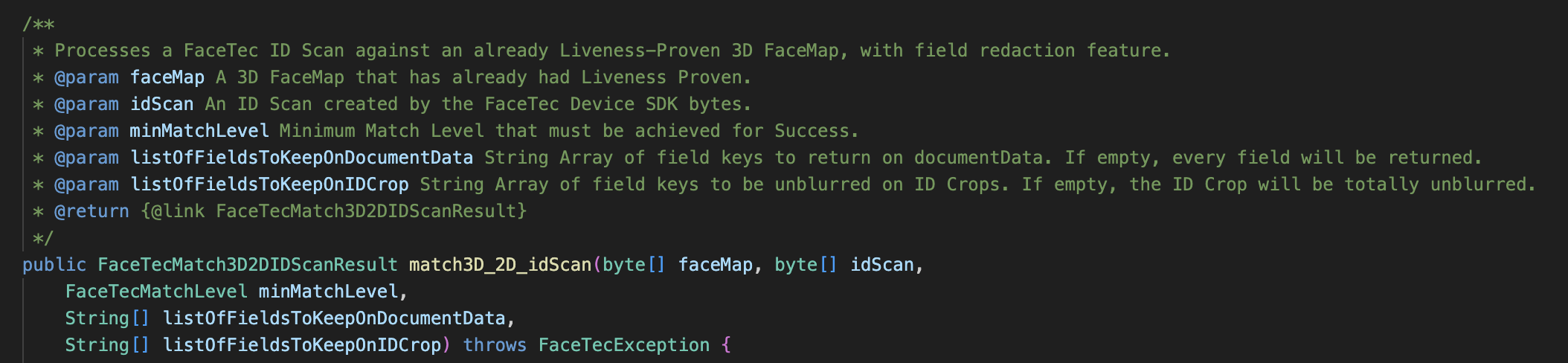
- match3D_2D_idscan(faceMap, idScan, minMatchLevel, listOfFieldsToKeepOnDocumentData, listOfFieldsToKeepOnIDCrop)
Redacting Fields from documentData
Key Parameter:
listOfFieldsToKeepOnDocumentData - A string array of the field keys to return in documentData. If this array is empty, then every field will be included in documentData.
Overview:
To redact fields from the documentData JSON object, you should define listOfFieldsToKeepOnDocumentData as an array of strings with all of the field keys you want to keep. Any string that is not included in this array will be redacted in the final documentData JSON object.
If listOfFieldsToKeepOnDocumentData is an empty array, then the documentData JSON object will have nothing redacted (everything will be included).
Redacting Fields from ID Crop
Key Parameter:
listOfFieldsToKeepOnIDCrop - A string array of the field keys to return in the ID Crop. If this array is empty, then every field will be visible in the ID Crop.
Overview:
To redact fields from the ID Crop, you should define listOfFieldsToKeepOnIDCrop as an array of strings with all of the field keys you want to keep. Any string that is not included in this array will be blurred in the final image of the ID Crop.
In addition to the above, there are two special strings that can be specified for listOfFieldsToKeepOnIDCrop:
- "signature": When this string is included in listOfFieldsToKeepOnIDCrop, the signature portion of the ID will be visible and not blurred.
- "face": When this string is included in listOfFieldsToKeepOnIDCrop, the facial image on the ID will be visible and not blurred.
If listOfFieldsToKeepOnIDCrop is an empty array, then the ID Crop will have nothing blurred (everything will be visible).
Default Behavior
Both idScan_only() and match3D_2D_idscan() are overloaded functions. The overloaded functions can only be used if both listOfFieldsToKeepOnDocumentData and listOfFieldsToKeepOnIDCrop are included as parameters. If these are not included as parameters, then the default function for these two methods will be called instead. In the case the default function is called, nothing will be redacted in the documentData object and everything will be visible in the ID Crop.
Important Note: The overloaded functions for idScan_only() and match3D_2D_idscan() require both listOfFieldsToKeepOnDocumentData and listOfFieldsToKeepOnIDCrop to be included as a parameters. Including only one of these parameters will result in an invalid function call.