FaceTec Server Configure Search Database Directories
Learn how to configure the FaceTec Server's Search Database Directories.
Overview
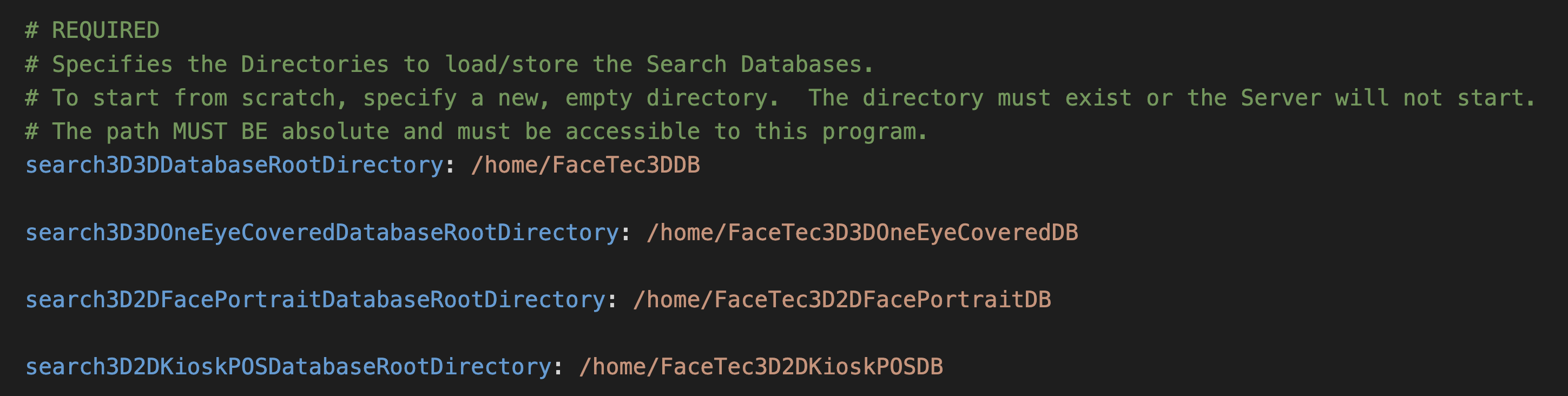
Search Databases are configured in the config.yaml file of the FaceTec Server Webservice. The config.yaml specifies the Host Machine Directories that the FaceTec Server will load the Search Databases from. To make them accessible from the Docker Container, these Search Database Directories must be mounted from Your Host Machine to the Configured Directories in Your FaceTec Server's docker-compose.yml.
Prerequisites
- Run the FaceTec Server on a Linux Server.
- Enable Searching on Your FaceTec Server.
Configure Search Database Directories
Important Note: If the Search Database Directories are copied from the Host Machine into the Docker Container without properly mounting the Volumes in step 2, then they will be ephemeral (i.e. only existing in the Docker Container) and will be deleted when the container is stopped.
- Create or locate Your Search Database directories on Your Host Machine. For this example we've created the search directories in the root Directory of a FaceTec Server Package.
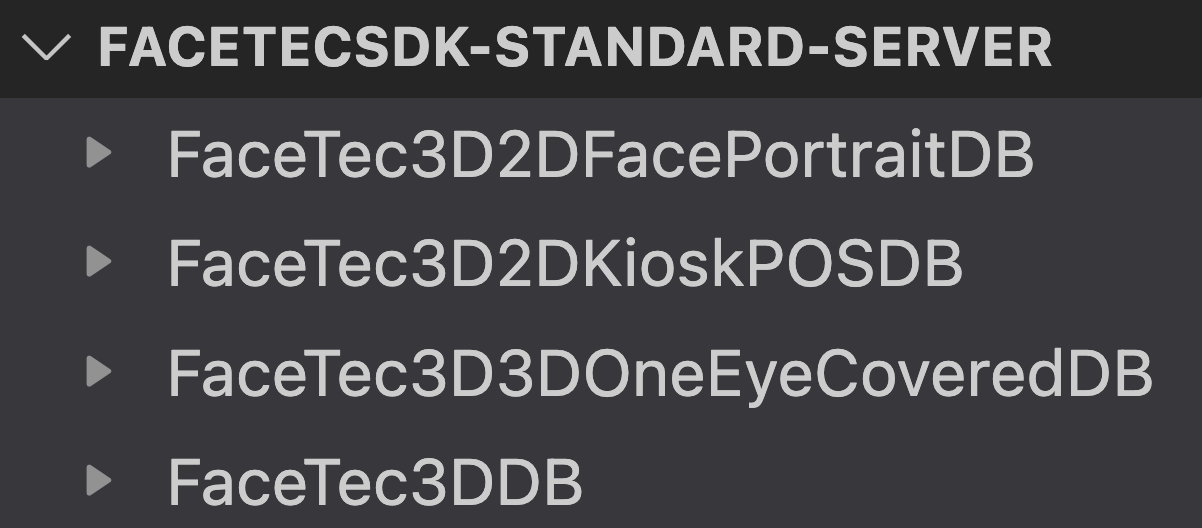
- Update your
docker-compose.ymlfile to mount the host machines Search Database Directories to directories in the Docker container. In Your FaceTec Server'sdocker-compose.ymlfile, under the volumes section, add a new entry for each Search Database Directory. The left side of the":"is the location on Your Host Machine, and the right side is the location inside of Your Docker Container.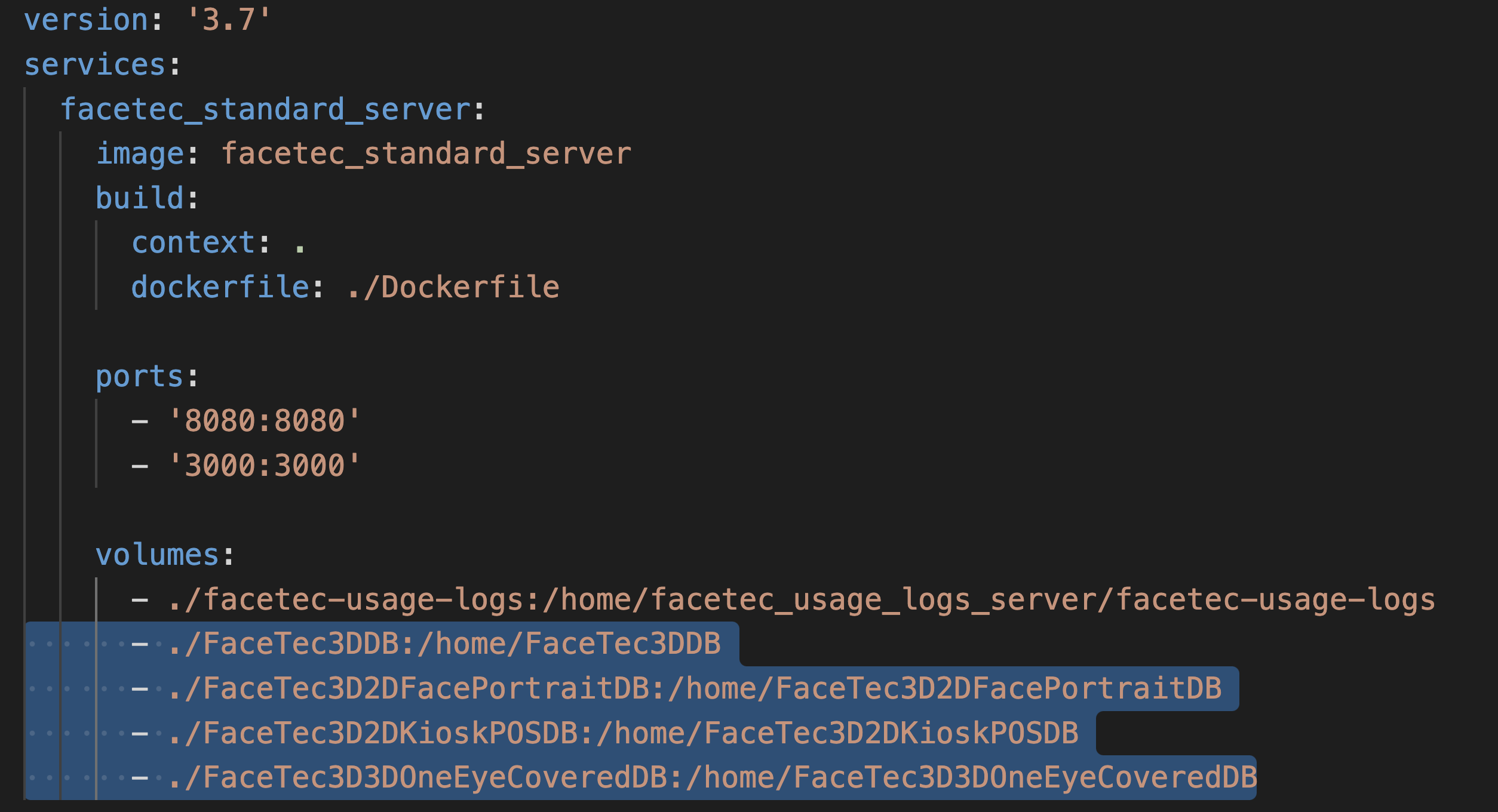
- Configure Your Search Database Directories in Your FaceTec Server's
config.yamlto the Search Database Directories in the Docker Container. In Your FaceTec Server'sconfig.yamlfile, set the Search Database Directories to the path in the Docker Container, for example the right side of the":"in the previous step.