Create Custom OCR Templates Guide
This guides explains how to create a Custom OCR Template.
Overview
To create a Custom OCR Template, use the OCR Template Creator.
Steps
- In the OCR Template Creator, press "LAUNCH OCR TEMPLATE CREATOR".
- In the top-right corner, press "Create New".
- Enter the name of Your Custom OCR Template. Then, choose the Country Type and ID Type.
- Upload the front and back of the corresponding ID.
- Mark the front and back of the corresponding ID.
- If you want to Enable or Disable NFC, see Enable NFC or Disable NFC.
- Download and save Your Custom OCR Template.
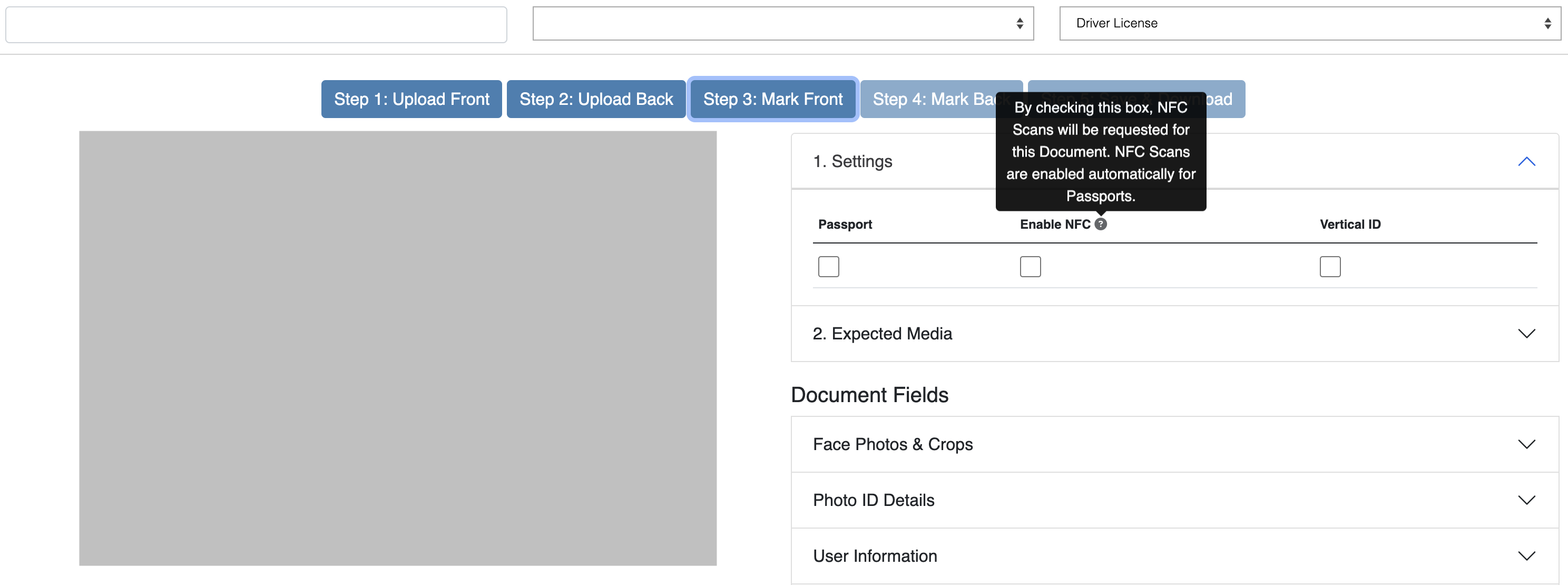
Enable NFC
By default, the Server only requests NFC Scans for Passports. To enable NFC Scans for other document types, you will need to check the Enable NFC box in Step 3: Mark Front of the OCR Template Creator.
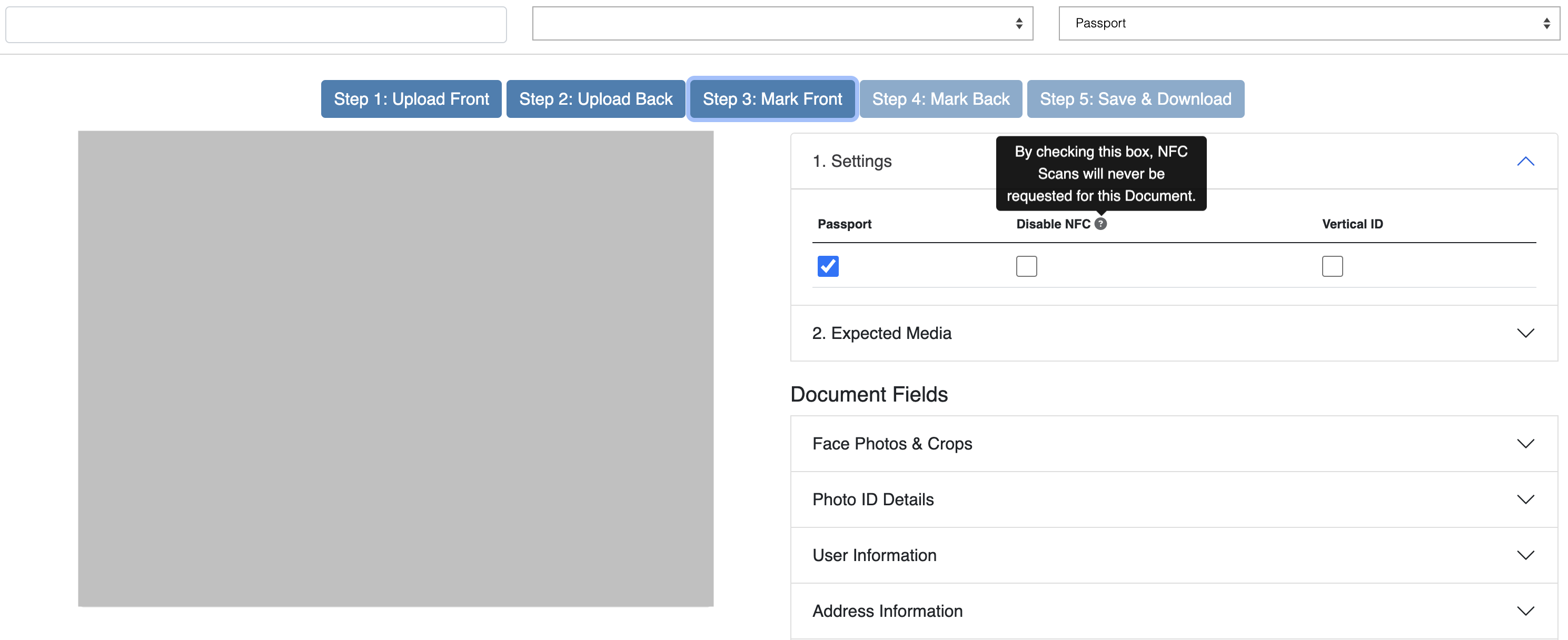
Disable NFC
By default, the Server requests NFC Scans for all Passports. To disable NFC Scans for a specific Passport type, you will need to check the Disable NFC box in Step 3: Mark Front of the OCR Template Creator.