Diagnose "Connecting MongoDB to Dashboard" Behaviors
Learn how to diagnose behaviors when connecting a MongoDB Database to the FaceTec Dashboard.
Verify FaceTec Server stores Data in MongoDB
- Connect to your MongoDB Database via mongo shell or another API.
- Run the following command:
db.getCollection(“Session”).find({}). - If successful, a non-zero number of records should be returned.
Verify FaceTec Server and Dashboard connect to Database
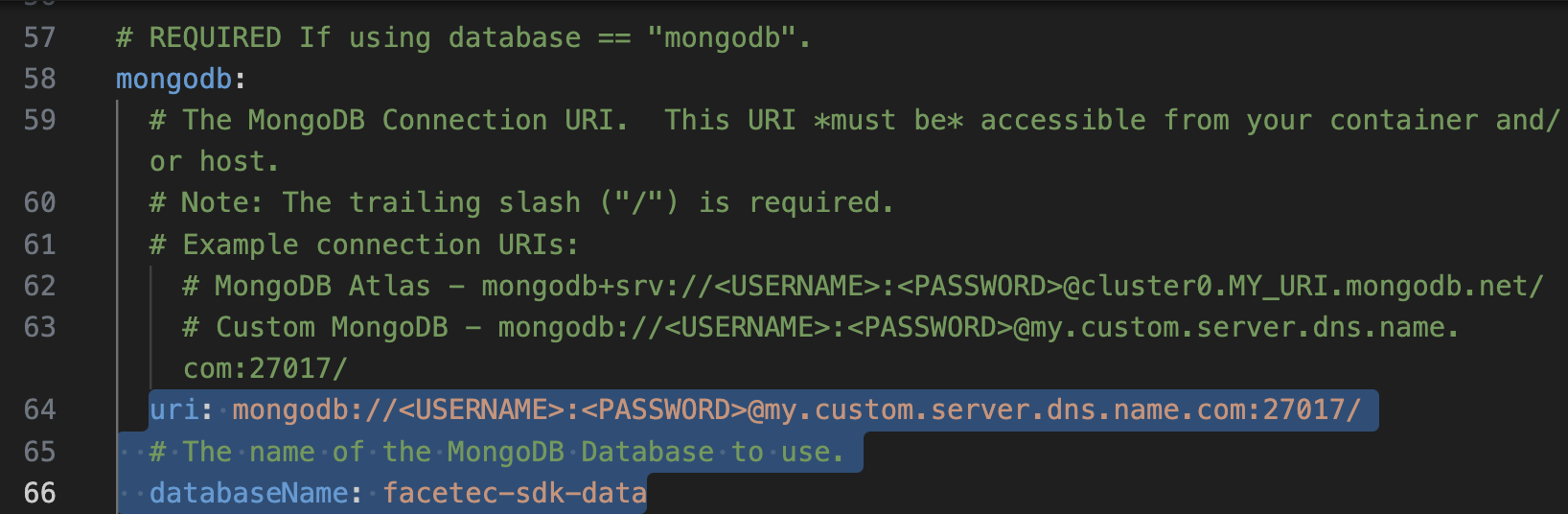
- Verify the MongoDB Connection String (uri) is the same in both the FaceTec Server's config.yaml and Dashboard's config.yaml.
- Verify the
mongodbis set at the database in the FaceTec Server's config.yaml. - Verify the Database Name (databaseName) is the same in both FaceTec Server's config.yaml and Dashboard's config.yaml.
FaceTec Server's config.yaml
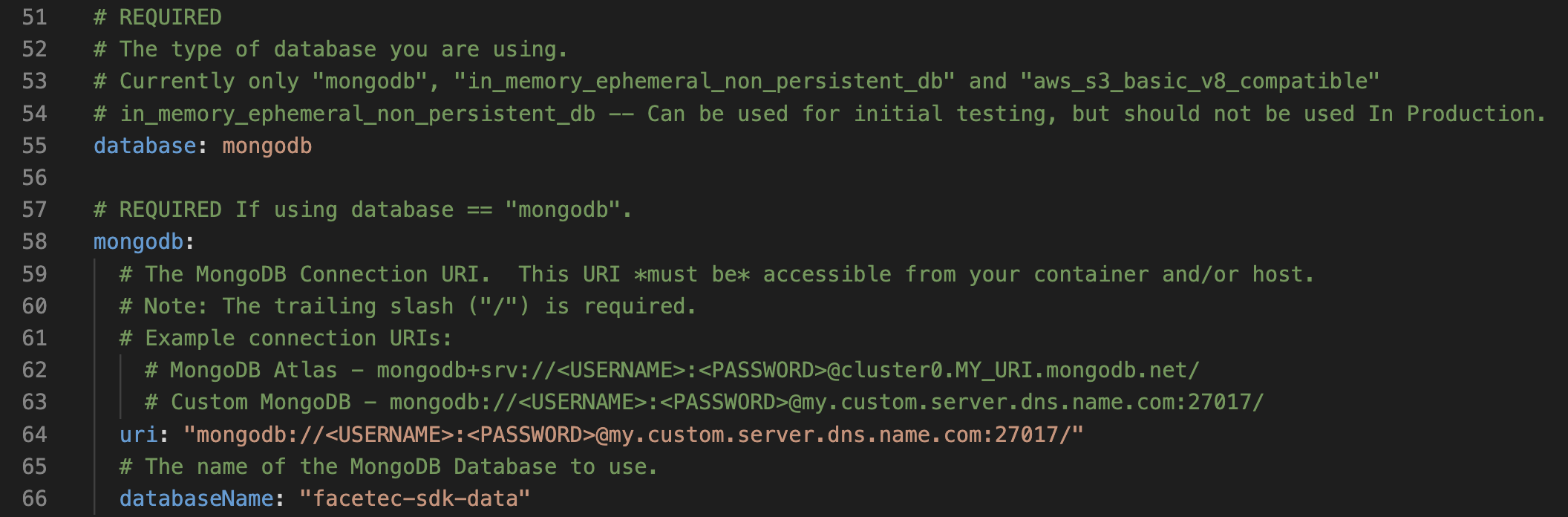
Dashboard's config.yaml